
A Kindle is great for novels, but it is not always the right fit. Comics need color, PDFs need a big screen, and budgets need flexibility. This guide names the best tablet for reading for five different needs, from a Fire tablet on sale to an iPad. In addition, it compares screen types and shows what to do when money is tight.
What is the Best Tablet for Reading: 5 Top Picks
It depends on what you read and where you read it. Here are five picks, with prices from late 2026.
Best for Reading Books and Novels: Kindle Paperwhite
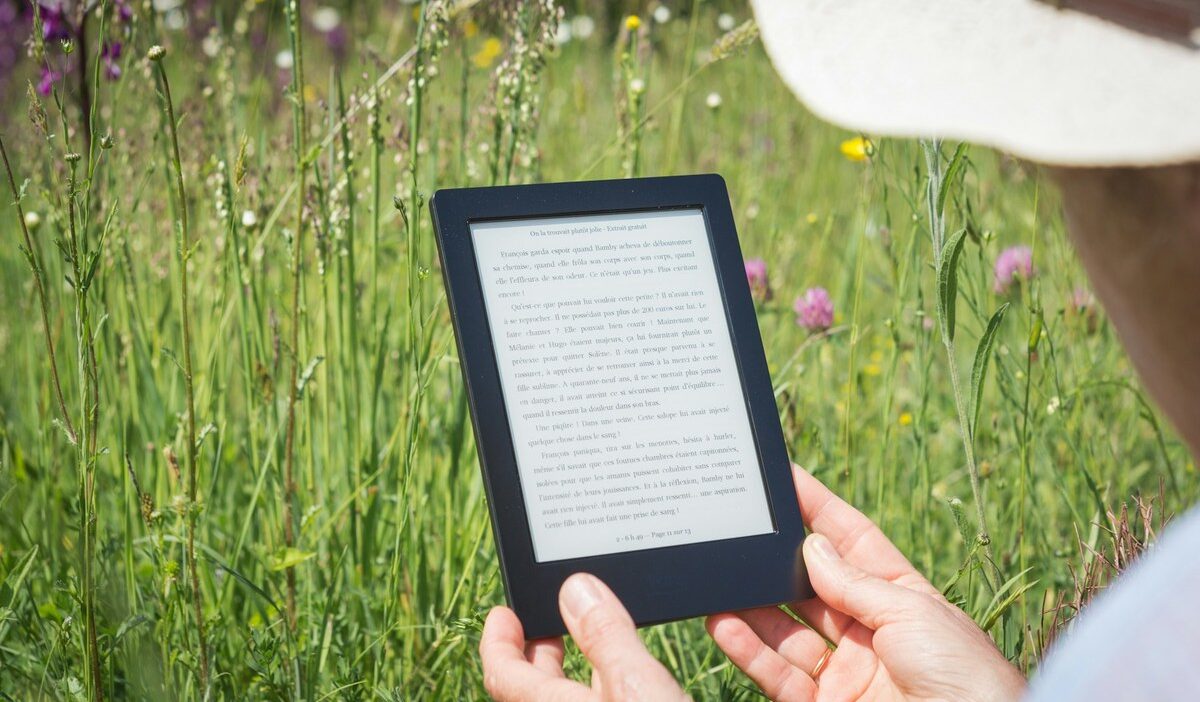
The Kindle Paperwhite is an excellent choice for readers who spend hours immersed in novels. Its 7-inch E Ink display mimics the appearance of printed paper, while adjustable warm lighting makes nighttime reading more comfortable. It is also waterproof, making it suitable for reading by the pool or in the bath.
Amazon rates its battery life at up to 12 weeks. However, the monochrome display makes it less suitable for colorful comics, illustrated books, and magazines. Readers who enjoy visual content may prefer a traditional tablet instead.
Best for Reading Comics: iPad Mini
Color is what makes the iPad mini the best tablet for reading comics. Its 8.5-inch OLED screen packs 326 pixels per inch, so panels look sharp. At 0.56 lb, it also stays comfortable in one hand.
However, it starts at $699 for 128GB. Choose it only if comics are a daily habit.
Best Cheap Tablet for Reading: Amazon Fire HD 8
The Fire HD 8 lists near $130, but sales of $80 to $90 are common. Its 8-inch screen runs 1280 x 800, and Amazon rates the battery at 13 hours. The Kindle app comes pre-installed, which makes it a fair pick for anyone shopping on a tight budget.
Note that it runs Fire OS, so Google Play is not officially supported. In addition, the ad-supported model shows lock-screen ads.
Best for Library Books and Color E-Ink: Kobo Libra Colour
Kobo adds muted color to a 7-inch e-ink screen. It has 32GB of storage, is waterproof, and includes OverDrive in supported countries.
Colors look softer than on an LCD. It costs about $230, and the stylus is sold separately. Choose it if you want a Kindle alternative with some color.
Best for Reading PDFs and Taking Notes: iPad 11-Inch
The iPad 11-inch is the best tablet for reading PDF files that need markup. Its screen shows a full page with room to spare. It works with Apple Pencil (USB-C), so you can highlight and write in margins.
Prices start at $449 for 128GB. However, at 1.05 lb, it tires hands during long sessions.
>>> Read more: Best Tablet for Toddlers: Top Picks for Learning & Parent Control
E-Ink vs. LCD vs. OLED: Which Is Better for Reading?
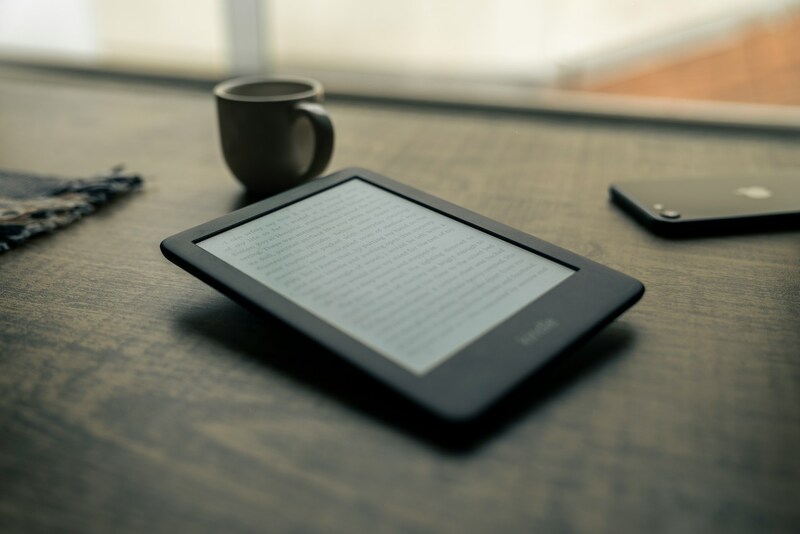
The screen matters more than the brand. E-ink reflects light like paper, so it stays readable in sunlight and sips battery. LCD and OLED screens make their own light. As a result, they show full color but drain faster and glare outdoors.
| Screen | Strengths | Weak spots | Example |
|---|---|---|---|
| E-ink | Sunlight reading, weeks of battery | Slow refresh, muted color | Paperwhite, Kobo Libra Colour |
| LCD | Low price, full color | Glare outdoors | Fire HD 8, iPad 11-inch |
| OLED | Deep blacks, vivid color | High price | iPad mini |
Choose e-ink for books. Choose LCD or OLED for comics, PDFs, and anything in color.
What Should You Look for in the Best Tablet for Reading?
Specs can overwhelm. Focus on the few that change daily comfort.
| Spec | Aim for | Why it matters |
|---|---|---|
| Screen size | 6 to 8 inches for books, 10 to 11 for PDFs | Small fits one hand, large shows full pages |
| Sharpness | 300 ppi on e-ink, 260 ppi or more on LCD | Text edges stay crisp |
| Battery | Weeks on e-ink, a full day on LCD | Fewer charges |
| Weight | Under 1 lb | Less hand fatigue |
| Storage | 16GB for books, 128GB for comics | Comics and PDFs take more space |
For example, the Fire HD 8 sits near 190 ppi, so small text looks softer. Book lovers should prioritize battery and weight. PDF readers should prioritize screen size.
Which Apps Are Best for Reading on a Tablet?
The best tablet for reading is only as good as its apps. These are worth installing.
- Kindle: free on iPad and Android, and pre-installed on Fire tablets.
- Apple Books: built into every iPad.
- Libby: free library ebooks with a library card, on iPad, Android, and Fire tablets.
- Marvel Unlimited: a subscription catalog of Marvel comics with downloads.
- Panels: reads your own CBZ, CBR, and PDF comic files on iPad.
- Goodnotes: marks up PDFs on iPad.
However, store purchases stay locked to their own app. So pick one main store and stay with it.
>>> Another helpful blog: Best Tablet for Kids: 7 Picks, Is an iPad Overkill?
What If a Reading Tablet Is Still Out of Your Budget?
Finding the best tablet for reading doesn’t necessarily mean spending hundreds of dollars. If you mainly enjoy eBooks, magazines, or library books, a budget-friendly Android tablet or even a large-screen smartphone can meet your everyday reading needs.
For households looking to save on both devices and connectivity, the Lifeline program is worth exploring. This federal government assistance program reduces monthly phone or internet service costs for eligible households.
While Lifeline does not directly fund tablets, participating providers like AirTalk Wireless may offer affordable devices through separate promotional offers.
AirTalk Wireless has listed Samsung Galaxy tablets such as the Galaxy Tab E. Offers depend on your ZIP code, eligibility, and stock. These tablets use LCD screens.
- Check eligibility: SNAP, Medicaid, SSI, or income at or below 135% of federal poverty guidelines may qualify you.
- Use a large-screen phone: the Kindle and Libby apps run on Android and iPhone, so a big phone handles novels well.
- Watch for deals: check provider listings and retail sales often. The Fire HD 8 dropped to $79.99 in late 2026.
Simply enter your ZIP code on AirTalk Wireless to explore available devices and check your eligibility. Device offers vary by location and inventory.
FAQs
Can You Read Library Books on a Tablet?
Yes. Install Libby, sign in with your library card, and borrow free ebooks. Loans download for offline reading by default over Wi-Fi. At US libraries, Libby can also send most ebooks to a Kindle.
Do Tablets Strain Your Eyes When Reading at Night?
The American Academy of Ophthalmology says screens do not permanently damage eyes. Still, long sessions cause dryness and strain. Use dark mode, lower the brightness, and follow the 20-20-20 rule. Every 20 minutes, look 20 feet away for 20 seconds. Late-night screens can also disrupt sleep.
Can You Read on a Tablet Without Wi-Fi?
Yes, once the book is downloaded. Kindle and Libby both store titles on the device, so you can read on a flight. Download before you leave home, because the store and library need a connection.
Is a Refurbished Tablet Worth Buying for Reading?
Yes. A refurbished tablet can be an excellent choice for reading eBooks, magazines, and PDFs without spending much. Look for a clear display, reliable battery life, and compatibility with your preferred reading apps. Buying from a reputable seller with a warranty is also recommended.
Conclusion
The best tablet for reading depends on what you read. Pick the Kindle Paperwhite for novels, the iPad mini for comics, and the iPad 11-inch for PDFs. Choose the Fire HD 8 for a low price and the Kobo Libra Colour for library books. If money is tight, start with a large-screen phone and watch for deals.