The Hello Kitty flip phone market is more complicated than it appears at first glance.
Prices range from under $30 to over $300, and many imported or vintage models may not work on modern U.S. mobile networks at all.
The difference between a licensed Sanrio product, a vintage collector phone, and a generic Hello Kitty-style lookalike matters for quality, collectibility, and real-world phone use.
This guide covers what to know before buying, how to set one up, and how to avoid the most common purchase mistakes.
1. What Is a Hello Kitty Flip Phone?
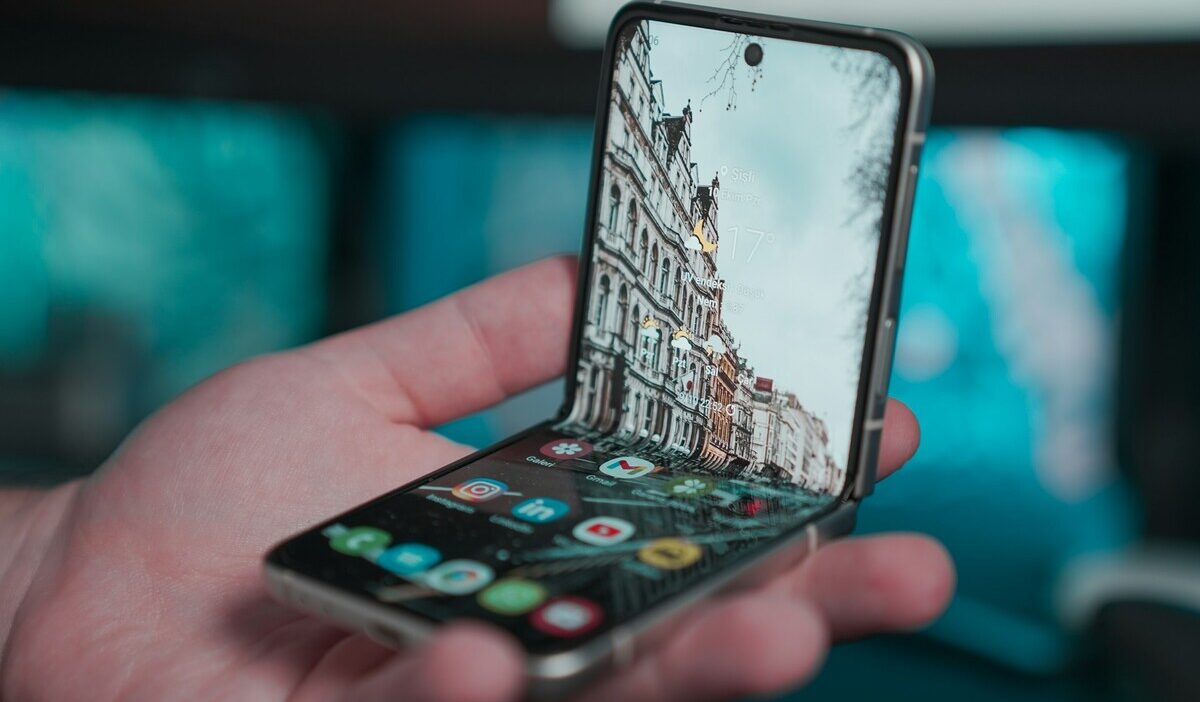
Most Hello Kitty flip phones sold online are basic feature phones or retro-style import phones, not full smartphones. They run proprietary firmware rather than Android or iOS and are designed for calls, SMS, FM radio, basic camera use, and alarm functions.
Most do not support modern apps, streaming, or full mobile browsing the way a smartphone does, but exact features depend on the model and operating system.
For the concern of how much is a Hello Kitty flip phone, prices vary widely. Budget Hello Kitty-style models on marketplaces like AliExpress, eBay, or Amazon may sell for around $25 to $70, while older Sanrio or Japanese collector models can cost much more.
For example, the Sanrio-supervised Hello Kitty Figurine KT-01 launched in Japan at ¥15,980 plus tax in 2016, and current resale prices depend heavily on condition, rarity, box contents, and whether the phone is usable on today’s networks.
If you are wondering where to buy Hello Kitty flip phone, eBay and AliExpress carry the widest selection of budget and OEM models. Etsy is better for refurbished and collector units.
Japanese import shops and collector marketplaces may list licensed or Sanrio-supervised models, but availability changes often, and some older listings may be sold out.
Amazon and similar marketplaces may show Hello Kitty-style flip phones, but check the seller, return policy, network bands, VoLTE support, and whether the item is a real phone rather than a toy or accessory.
2. What to Check Before Buying
Network compatibility is the single most important factor and the one most buyers overlook until after purchase.
- Check whether the phone supports 4G LTE calling and VoLTE, not just “4G” in the title.
- Check the exact network bands and compare them with your carrier.
- Confirm with your carrier before buying, especially if you are in the U.S.
- Check whether the phone is unlocked, region-locked, or made for a specific Japanese or overseas network.
- Confirm whether it is a real working phone, a collector phone, a toy, or a decorative keychain.
>>> Read more: Pinwheel Phone: What It Is, Reviews, and Where to Buy
3. How to Put SIM Card in Hello Kitty Flip Phone
Do not buy the phone first and check compatibility later. Knowing how to put a SIM card in a Hello Kitty flip phone is straightforward, but it only matters if the phone supports the carrier’s network bands. Confirm compatibility before purchasing.
Important: A SIM card does not guarantee service. In the U.S., many older 2G/3G phones and some older 4G phones without VoLTE will not work reliably for calls and texts. Confirm LTE bands and VoLTE support with your carrier before buying or inserting a SIM.
Step 1: Check the SIM Type and Carrier Compatibility
SIM size varies by model. Some older or budget phones use Mini SIM or Micro SIM, while some newer basic phones may use Nano SIM.
The Hello Kitty Figurine KT-01, for example, lists a Micro SIM interface. Always check the product listing, manual, or SIM slot diagram before inserting a card.
If you only have a Nano SIM, use a high-quality adapter carefully or ask the carrier for the correct SIM size if available, because a poorly fitted adapter can get stuck or damage the SIM slot.
Step 2: Open the Back Cover and Remove the Battery
Power off the phone completely before handling the SIM. Locate the notch on the back cover and slide or press it open.
Many models have a removable battery, but the exact back cover and battery design can vary. Lift the battery out and set it aside. The SIM card slot is underneath the battery in most models, printed with a diagram showing the correct card orientation.
Step 3: Insert the SIM Card
Follow the diagram beside the SIM slot; many models use gold contacts facing down, but orientation can vary.
Do not force the card. It should slide in smoothly with light pressure. Some models have a spring-loaded slot that clicks when the card is fully seated; others use a simple tray that the card slides into and holds by friction.
Step 4: Reattach the Battery and Cover
Replace the battery with the contacts aligned to the phone’s connector pins. Press the back cover on until it clicks into place. Power on the phone.
If the SIM is compatible and the carrier network is available, the phone should eventually show the carrier name or signal bars after it registers on the network.
If it shows No SIM, recheck the SIM size and seating. If it shows No Service, the bigger issue may be carrier support, network bands, VoLTE, a locked phone, or a deactivated SIM.
4. How to Set Up Hello Kitty Flip Phone
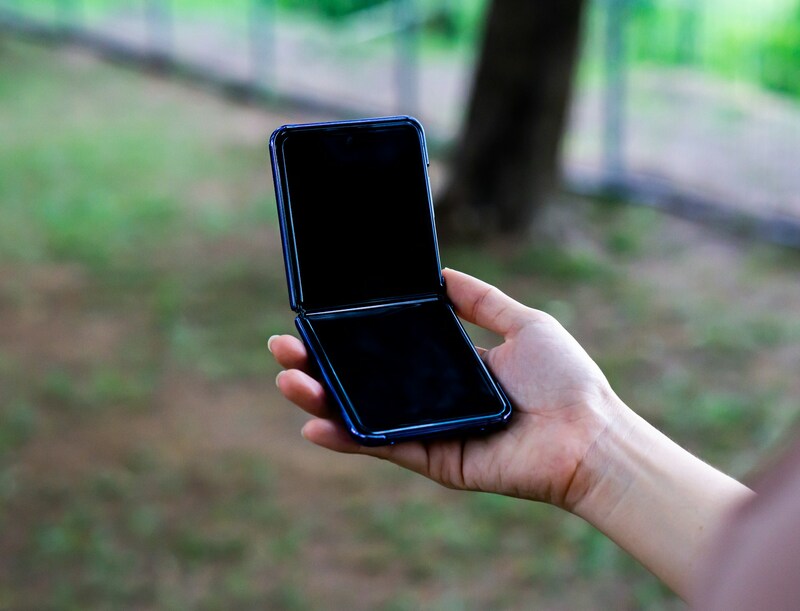
After the SIM is inserted and the phone powers on, setup is minimal compared to a smartphone. These phones are designed to be functional out of the box with little configuration.
Turning It On and Basic Settings
Knowing how to set up a Hello Kitty flip phone begins with the language setting if the model offers one during first boot or in Settings.
Select English if available; some budget models offer limited language options. Set the date and time manually in Settings.
Some models may not sync time automatically, especially if they cannot register on a supported network.
Check the volume settings for both call volume and ringtone since these are stored separately on most feature phone firmware.
Adding Contacts
Contacts are entered manually using the numeric keypad in T9 or multi-tap input mode. Go to the Contacts menu and select Add New Contact. Enter the name using the keypad and assign a phone number.
Contacts can be stored on the SIM card, in the phone’s internal memory, or both. Storing contacts on the SIM makes them easier to transfer if the phone needs to be replaced.
If the phone supports SIM contacts, you may be able to import basic names and numbers from the SIM, but modern smartphone contact details may not transfer cleanly.
Inserting a Memory Card for Photos and Music
Some Hello Kitty-style flip phones support a MicroSD card for expanded storage, but not every model does.
The MicroSD slot is usually located on the side of the phone body or under the battery cover near the SIM slot. Insert a MicroSD card within the model’s supported capacity, often 32GB or lower on older feature phones.
The phone will detect the card on restart. If the model supports a camera and storage settings, you may be able to save photos to the MicroSD card. For music, transferring files to a feature phone follows the same MicroSD transfer process: copy MP3 files to the card via a computer and insert.
>>>Read more: What Is the Unplugged Phone? Price, Features, and Reviews
5. FAQs
Does It Support WhatsApp or Other Apps?
Usually no. Most Hello Kitty flip phones are basic feature phones with proprietary firmware, so they cannot install WhatsApp, social media, or streaming apps. If a seller claims app support, check the operating system, app store access, and real customer reviews before buying.
How Long Does the Battery Last?
Battery life varies by model, battery age, signal strength, and whether the phone is new or used. Some small feature phones advertise several days of standby time; the KT-01 listing, for example, listed about 170 hours of standby and 240 minutes of talk time. Real-world used phones may last less if the battery is old.
What Is the Difference Between the Cheap AliExpress Version and Sanrio-Licensed Models?
Budget AliExpress models are generic OEM flip phones with Hello Kitty artwork applied, often without official Sanrio licensing. Quality control varies significantly, and “4G” in a listing does not always mean the phone will support your carrier’s LTE bands or VoLTE calling.
Conclusion
A Hello Kitty flip phone can be a fun niche device for nostalgia, simple calls, basic texting, or low-distraction use.
The biggest thing to check before buying is not the color or design, but whether the exact model supports your carrier’s current network, SIM type, and calling requirements.
If compatibility is uncertain, treat the phone as a collector item first and a daily-use phone second.