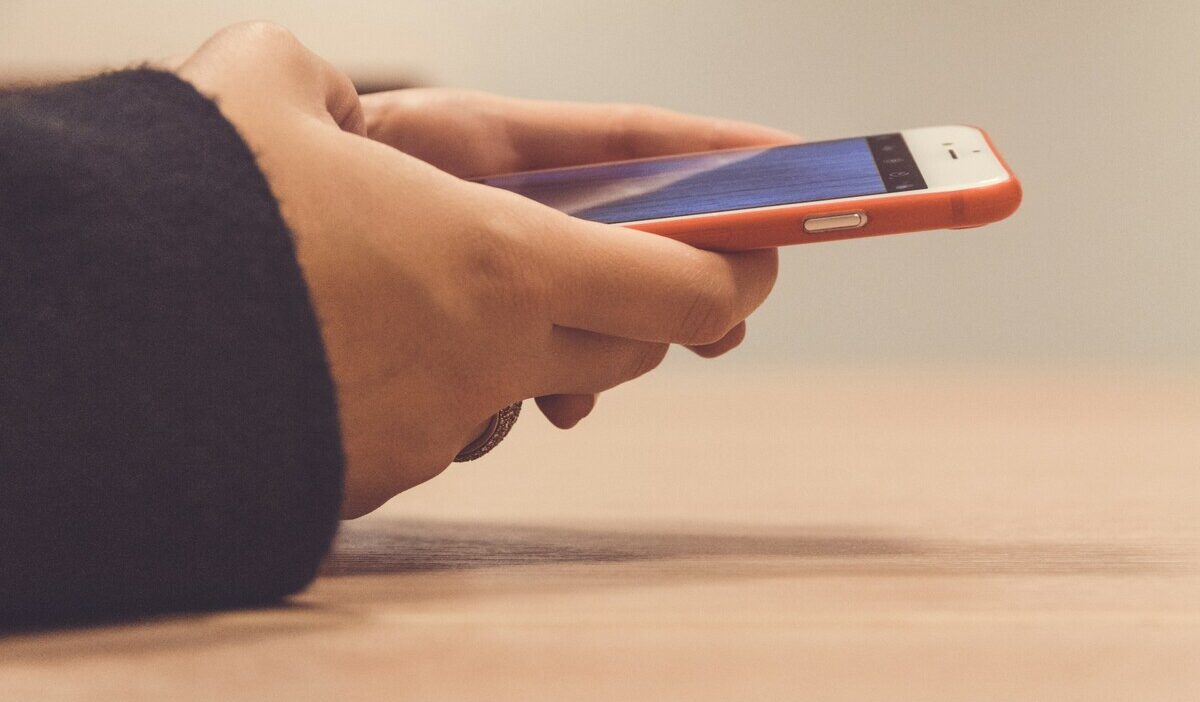
A Pinwheel phone is a kid-focused Android smartphone that comes with Pinwheel’s parent-managed software and Caregiver Portal, giving parents control over contacts, apps, schedules, and safety settings.
This guide covers how it works, what it costs, what parents say about it, and how it compares to competing kid-safe phones.
1. What Is a Pinwheel Phone?
Pinwheel is a phone and software service combination. Pinwheel uses Android-based phone models from brands such as Samsung, Motorola, Google Pixel, and others, with the Pinwheel Operating System already installed to limit access to contacts, apps, schedules, and features based on parent settings.
By default, Pinwheel does not include a web browser, social media apps, or open app-store access, although parents may enable Google Play access for older children with additional controls and approvals.
The child’s experience is controlled entirely through the parent’s Caregiver Portal, which is accessible from any browser or the Pinwheel app.
2. How Pinwheel Works for Kids
The core of Pinwheel is the Caregiver Portal, a web and app-based dashboard where parents set every parameter of the child’s phone experience. The child cannot change these settings from the device.
Contact Safelist and Call and Text Monitoring
With the parent-managed contact Safelist, only approved numbers can call or text the child, and parents can choose image-texting permissions for specific contacts.
Parents can view call and text history through the portal and can set image permissions on a contact-by-contact basis, allowing photos from some contacts (grandparents, for example) while restricting them from others.
Curated App Library
Pinwheel provides safety information for more than 1,200 apps and lets parents choose which apps to add to the child’s device. Parents choose which apps are available on the child’s device from this library.
There is no access to the Google Play Store by default, though parents of older children can enable Play Store access with social media and adult content still blocked.
The absence of an open app store means a child cannot download anything without parental approval.
Schedules and Modes
Parents can set time-based modes that change what the phone can do throughout the day.
A School Mode might restrict all apps except a homework tool or calculator. A Night Mode might disable everything except the ability to call a parent.
A Free Time mode opens up approved apps and music. These modes switch automatically on a schedule set in the portal.
Location Tracking
Parents can locate the child through the Caregiver Portal and receive alerts when the child leaves or arrives at saved locations.
Pinwheel also describes GPS location as a parent-managed feature, but avoid claiming that a child can never interfere with location sharing in every situation.
How Pinwheel Grows With the Child’s Age
Pinwheel is designed to expand over time. For younger children, it functions as a basic contact device with minimal apps.
As a child matures, parents can unlock more functionality: additional app categories, Play Store access with filters, expanded contact lists, and fewer scheduling restrictions.
The device itself does not need to be replaced; the experience changes through the portal.
3. Pinwheel Phone Models, Pricing, and Where to Buy
Pinwheel sells several hardware tiers, from a budget-friendly entry model to a more capable device for older children. If you have beeen looking for Pinwheel phone for kids, refer the list below for references:
- Genesis 4: entry-level starter phone, listed at $119. It is compatible with many network carriers.
- Slim 6: affordable Motorola-based model, listed at $199, regularly $219, and compatible with all major carriers.
- Plus 6: more premium model, listed at $299, with 5G support and compatibility with major carriers.
Prices and available models can change, so check Pinwheel’s official shop before publishing final pricing.
All models require a Caregiver Portal subscription, which is separate from the device cost and from the cellular plan.
Caregiver Portal access is currently listed at $17.99 per month or $174.99 yearly.
Pinwheel Wireless is currently listed at $29.99 per month or $284.99 yearly and includes unlimited calls and texts, 5GB of high-speed data per month, and the Caregiver Portal subscription.
Where to buy Pinwheel phone? Pinwheel phones are sold directly through pinwheel.com. The safest place to buy is Pinwheel’s official website, because model availability, subscriptions, and carrier setup are tied to Pinwheel’s own platform.
Pinwheel lets families choose Pinwheel Wireless or use their own carrier plan, but carrier compatibility depends on the exact phone model.

4. Pinwheel Phone Reviews: What Parents Say
Pinwheel phone reviews are generally positive on Pinwheel’s own site and mixed-to-positive on third-party review platforms, with praise for parental controls and support but some complaints about glitches, app compatibility, returns, or user experience.
Common positives from parents include the contact safelist that eliminates unexpected messages from strangers, the scheduling system that makes school and bedtime restrictions automatic rather than requiring daily negotiation.
And the curated app library that removes the need to evaluate individual app requests constantly.
Many parents note that the phone feels like a tool rather than an entertainment device, which they describe as the point.
The most common criticism is cost. Between the device, the portal subscription, and a separate cellular plan, the total monthly cost is higher than adding a line to a family plan with a standard smartphone.
Parents also note that as children age into high school, the app restrictions can create friction with school tools and communication apps their peers use. Pinwheel’s ability to enable Play Store access with filters partially addresses this for older children.
>>>Read more: Bark Phone: Things Parents Must Know Before Buying in 2026
5. Pinwheel vs. Other Kid-Safe Phones
Four companies dominate the kid-safe phone space. Each makes different trade-offs.
- Gabb: A more restrictive kid-phone option with no web browser, no social media, and no open app store. Some Gabb devices now support approved apps through Gabb’s ecosystem, so avoid describing it as calls and texts only for every model.
- Troomi: Another kid-focused phone platform with a curated app experience and safety controls. Check the current plan and device terms before comparing carrier flexibility, because plan structure can change.
- Bark Phone: A more flexible option that focuses on monitoring, alerts, screen-time controls, and web filtering. It may be better for older kids or teens who need broader app access, but parents should review exactly what Bark can monitor on each app.
- Pinwheel: The most flexible in the middle. More restrictive than Bark by default, but more expandable than Gabb. Carrier-unlocked, which is a practical advantage for families with existing plans. Best suited for ages 6 to 15, with the ability to grow the phone’s functionality as the child matures.
6. FAQs
Does Pinwheel Require Its Own Cell Phone Plan?
Not always. Pinwheel lets parents use Pinwheel Wireless or add the phone to an existing family plan, but compatibility depends on the exact model and carrier. Pinwheel also offers its own Pinwheel Wireless service that bundles the Caregiver Portal subscription with cellular coverage.
Can My Child Use Google Play Store Apps on Pinwheel?
Not by default. The Google Play Store is disabled on Pinwheel devices out of the box. Parents of older children can choose to enable Play Store access through the Caregiver Portal, but Pinwheel continues to block social media apps and adult content even with the Play Store enabled.
What Age Is Pinwheel Phone Recommended For?
Pinwheel is commonly positioned for kids and teens who are ready for a first smartphone but still need strong parent management. The best age depends on the child’s maturity, school needs, communication needs, and how much app access parents want to allow.
Can I Turn a Pinwheel Phone Back Into a Regular Smartphone?
Not easily. Pinwheel software is integrated into the operating system at a deep level, and the device ID is tied to the parent’s Caregiver Portal account. The device is not designed to be converted back to a standard Android phone by the user.
How to Factory Reset a Pinwheel Phone?
Pinwheel does not present factory reset like a normal Android phone. Parents can access troubleshooting options through Pinwheel Settings with Caregiver credentials, including Reset Pinwheel Device, but Pinwheel says this clears cache and resets app settings; it does not delete messages, photos, or videos. For a true factory reset, account transfer, or reuse by another child, contact Pinwheel Customer Care before wiping the device.
Conclusion
A Pinwheel phone can be a practical middle ground for families who want a real smartphone experience without opening the door to a standard Android phone with fewer guardrails.
Its strongest features are the Caregiver Portal, contact Safelist, app controls, schedules, and location tools. Before buying, parents should compare the total cost of the device, Caregiver Portal subscription, cellular plan, carrier compatibility, and whether the app restrictions fit their child’s age and school needs.