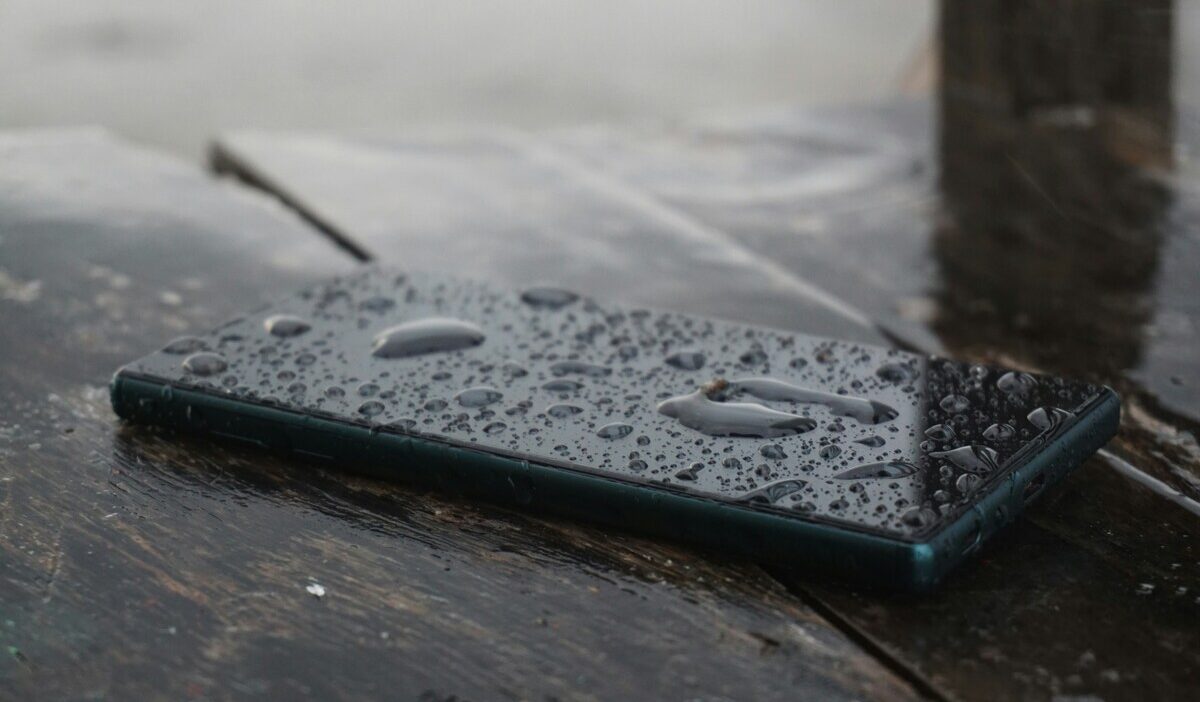
How to get water out of phone starts with acting quickly but carefully. Disconnect power, wipe away visible moisture, and avoid common “quick fixes” such as rice, heat, or compressed air, which can create new problems instead of solving the original one.
What you should do next depends on how wet the phone is, what type of liquid caused the exposure, and whether the moisture is limited to the charging port or speaker. This guide explains the safest drying steps, what to avoid, and how to handle a muffled speaker after water exposure.
1. Check How Wet the Phone Is
Not all water exposure is the same, and how you respond should match the severity.
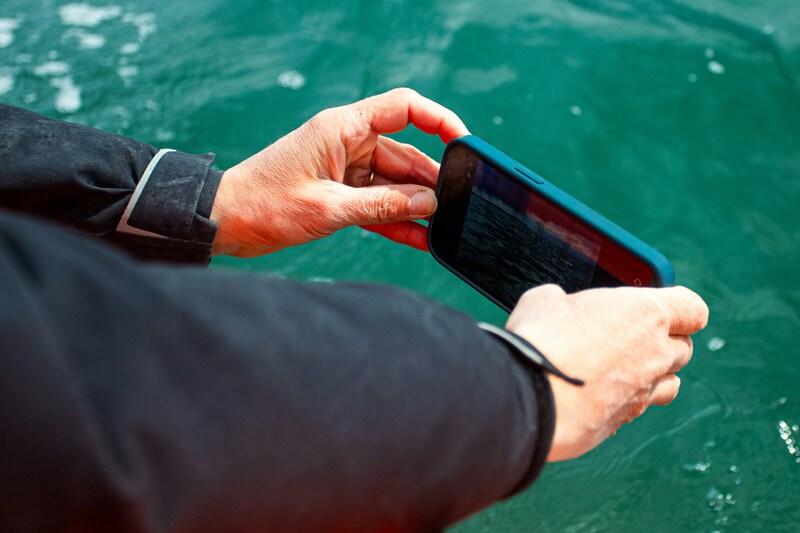
- Surface splash versus full submersion: A quick splash from rain or a sink is far less risky than a phone fully submerged for several seconds. Full submersion needs more caution and a longer drying period
- Charging-port moisture versus internal water exposure: Water in the charging port alone is usually easier to clear than water that’s worked its way into the internal components through a speaker grille or seam
- Fresh water versus salt water or sugary liquids: Fresh water is the least damaging. Salt water and sugary drinks (soda, juice, coffee) leave behind residue that can cause corrosion even after the phone dries, and need extra care (see the section below)
- Cracks, previous repairs, and reduced water resistance: If your phone has a cracked screen, a damaged seal, or has been previously repaired, its water resistance may be compromised even if the model is normally rated for splash resistance
2. How to Get Water Out of Phone: Step by Step
To learn how to get water out of phone, check the steps below:
- Remove it from the liquid immediately
- Disconnect cables and accessories, including any charging cable or case attachments
- Turn the phone off if it has been significantly exposed to water or is behaving abnormally. This can reduce electrical activity while the device dries.
- Remove the case, since trapped water underneath can keep moisture against the device longer
- Wipe the exterior with a soft, clean, lint-free cloth
- Avoid opening trays unnecessarily. Opening the SIM tray or other ports right away can let more water into the device rather than out
- Move it to a dry, ventilated location to begin the drying process
3. Draining and Drying Your Phone
Once the phone is powered off and wiped down, focus on getting trapped water out and letting the rest evaporate naturally.
- Hold the phone with the charging port and speakers facing down
- Gently tap the device against your palm to shake out trapped droplets
- Let the phone dry in a well-ventilated area. A wet charging port may clear within hours, while heavier exposure can take up to 24 hours or longer depending on how much liquid entered the device.
- Do not plug it into a charger during this time, even if it seems dry
Patience matters here for the process of how to get water out of phone. Turning the phone on too soon, even if it looks dry on the outside, can cause a short if moisture remains inside.
4. Why Rice, Heat, and Compressed Air Can Make Things Worse
Rice, heat, and compressed air are popular fixes for a wet phone, but each one can cause more damage than the water itself.
- Rice: Apple specifically advises against putting a wet iPhone in rice because small particles can enter and damage the device. Airflow is the safer approach.
- Hair dryers and direct heat: Heat can warp the delicate speaker diaphragm and can push moisture deeper into the device as it turns to steam and recondenses on cooler internal components like the logic board
- Compressed air: Avoid it. Apple specifically warns against using compressed air to dry an iPhone because it can drive liquid or debris further into the device.
- Cotton swabs and paper: For iPhone, Apple advises against inserting cotton swabs, paper towels, or other objects into the connector. For other brands, follow the manufacturer’s specific drying instructions.
- Freezers, ovens, and direct sunlight: Extreme cold, high heat, or direct sun exposure can damage internal components and battery cells well beyond what the water itself would have caused
>>> Read more: Why Is My Phone So Slow? Easy Fixes
5. If the Speaker Sounds Muffled After Getting Wet
If you are looking for how to get water out of phone speaker, sound-based water-ejection tools may help move droplets trapped near the speaker grille.
Apple uses a similar tone-based method on Apple Watch, but iPhone and Android phones do not all include an official built-in water-ejection feature.
If you try a third-party tone, keep expectations realistic and stop if the speaker sounds distorted or the phone becomes unusually warm.
- A light splash or quick rinse may clear in a single cycle
- If the speaker remains muffled, let the phone continue drying and try the tone again later rather than repeating it continuously.
- This method works for the speaker only. It does not remove water from the charging port or internal components; those still need air drying
- Some users install third-party iPhone Shortcuts or apps that play water-ejection tones, but Apple does not provide a built-in iPhone Water Lock or Water Eject feature as it does on Apple Watch.
6. Salt Water and Sugary Liquids Need Extra Care
If your phone was exposed to salt water, soda, coffee, or another sugary or mineral-rich liquid, the risk goes beyond the water itself.
- Corrosion and sticky residue: Salt and sugar leave behind residue that can corrode internal contacts or leave surfaces sticky, even after the liquid itself has dried
- Keep the phone off until you’re confident it’s fully dry, since powering it on with residue still present increases the risk of a short
- Avoid charging the device until you’ve had it inspected, especially if it was submerged in anything other than plain fresh water
- Seek professional cleaning or inspection. A repair technician can open the device and clean internal components properly, which isn’t something you can safely do with surface wiping alone
>>> Read more: Why Does My Phone Get So Hot and What You Can Do
7. When Is Professional Help Needed?
Most minor water exposure resolves with proper how to get water out of phone drying. But get professional help if:
- The phone was fully submerged, especially if it has cracks, previous repairs, or uncertain water resistance
- The phone still will not power on after it has had enough time to dry thoroughly
- You notice a burning smell, unusual heat, or visible corrosion
- The speaker stays muffled after multiple ejection cycles and thorough drying
8. Frequently Asked Questions
Q1. Does putting a wet phone in rice actually work?
No. Rice does not effectively absorb moisture from inside a phone, and it can introduce starch and dust particles into ports and speaker grilles. Repair experts recommend air drying instead.
Q2. How long should I let my phone dry before turning it on?
Drying time depends on how much liquid entered the phone. A damp charging port may clear within a few hours, while heavier exposure can take up to 24 hours or longer. Do not reconnect a cable until the port and device are fully dry.
Q3. Can I use a hair dryer to speed up drying?
No. Heat can warp the speaker diaphragm and push moisture deeper into the phone as it turns to steam. Air drying at room temperature is safer, even though it takes longer.
Final Words
A wet phone does not always mean permanent damage, but the safest response is to reduce electrical activity, dry the exterior, keep ports facing downward, and give the device enough airflow before charging or using it again.
For anyone wondering how to get water out of your phone, the key is patience rather than aggressive drying methods. Avoid rice, direct heat, compressed air, and objects pushed into the ports. If the speaker remains muffled, a tone-based method may help with droplets near the grille, while heavy submersion, salt water, sugary liquids, or ongoing problems are better handled with professional inspection.