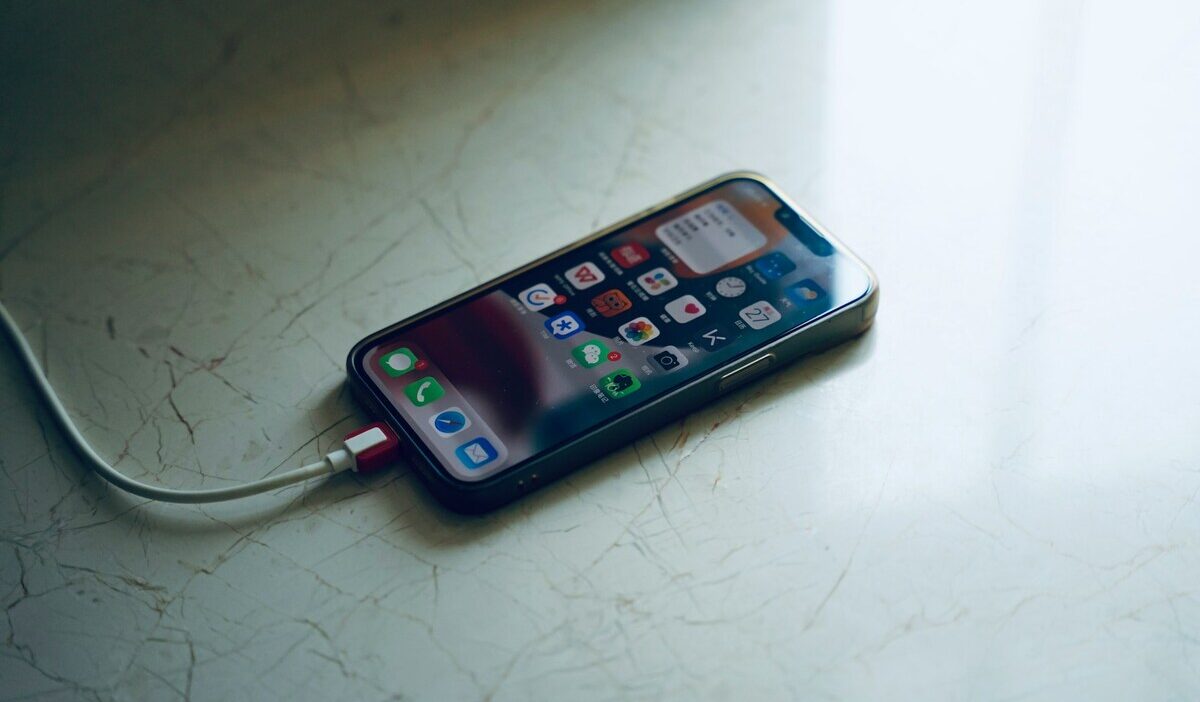
How to make phone charge faster starts with giving your device the right power and avoiding the things that force it to slow charging down. A compatible fast charger and cable matter most, but heat, heavy phone use, charging protocols, and battery-protection settings can also affect how quickly the percentage rises.
This guide explains the changes that make the biggest difference, the Android-specific settings worth checking, and the less obvious reasons a phone may still charge slowly even when the charger looks powerful enough.
1. How to Make Your Phone Charge Faster
Four changes of how to make phone charge faster make the biggest difference and apply to both iPhone and Android. Start here before adjusting any settings.
Use a Compatible Fast Charger and Cable
The charger and cable together determine the maximum power the phone can receive. A 5W USB-A charger that came with an older phone charges current flagship devices at a fraction of their supported speed.
Modern Android phones vary widely in charging speed, from relatively modest fast charging on some models to 65W, 100W, or more on selected devices. Most iPhones support 20W or higher with a USB-C cable and compatible charger.
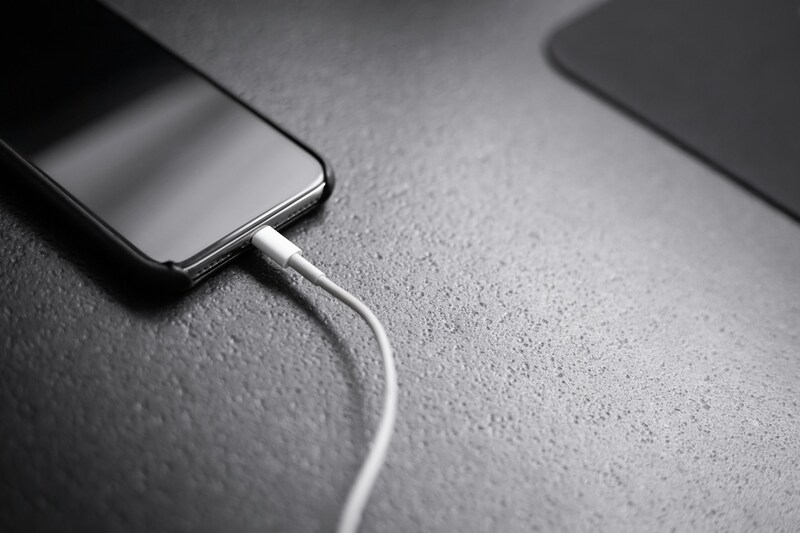
The cable matters just as much as the adapter in how to make phone charge faster, but data-transfer speed does not determine charging speed. A cable can use USB 2.0 for data while still carrying high charging power.
Instead, check that the cable supports the current or wattage required by your phone and charging protocol. Some higher-power systems, such as Samsung’s 45W Super Fast Charging or OnePlus SUPERVOOC, may require a specific high-current cable.
Plug Into a Reliable Wall Outlet
A low-power computer USB port can charge much more slowly than a dedicated fast charger, but not all computer, car, or hub ports are slow. Modern USB-C ports and car adapters may support USB Power Delivery at much higher wattages.
For the most predictable fast charging, use a wall adapter or other power source that supports your phone’s required charging standard and wattage.
Reduce Power Use While Charging
Any power the phone uses while charging is subtracted from the charging rate.
Streaming video, running navigation, or playing games while charging slows the charge significantly and can result in the phone barely gaining charge or even losing battery percentage in some cases.
Turn off the screen and avoid demanding apps while charging. Airplane Mode can reduce background radio activity further, especially in weak-signal areas, but it is optional.
Low Power Mode or Battery Saver can reduce background activity while charging, although the speed difference may be modest if the phone is already idle with the screen off.
Keep the Phone Cool
High temperature slows the charging rate because lithium-ion batteries accept charge more slowly when hot, and most charging systems reduce current automatically to protect the battery above a temperature threshold.
If the phone becomes unusually warm while charging, remove a thick or insulating case and move the device to a cooler location.
Keeping the phone cool can help it maintain a higher charging rate for longer.
2. Check Fast-Charging Settings on Android
Android phones from Samsung, OnePlus, Xiaomi, and other manufacturers often have fast-charging toggles in settings that are not always on by default, or that may have been turned off. Knowing how to make your phone charge faster Android specifically means checking these controls.
Confirm Fast or Super-Fast Charging Is Enabled
On Samsung Galaxy devices, go to Settings, Battery and Device Care, Battery, and look for Fast Charging or Super Fast Charging, depending on the model.
On supported Samsung Galaxy devices, go to Settings > Battery > Charging settings and confirm that the available fast-charging options are enabled. The exact options vary by model; you may see Fast charging, Super Fast Charging, or Fast wireless charging.
Match the Charger, Cable, and Charging Protocol
How to make phone charge faster requires all three components to support the same protocol. Samsung’s Super Fast Charging uses USB Power Delivery with Programmable Power Supply (USB-PD PPS).
Proprietary systems such as SUPERVOOC and HyperCharge may require protocol-compatible adapters and high-current cables to reach their maximum advertised speeds. A charger’s wattage alone does not guarantee that the phone will accept that full power.
These are proprietary protocols that deliver their rated speeds only with the manufacturer’s own charger and cable, or third-party accessories certified for that specific protocol.
A generic 65W charger may not deliver 65W to a Samsung phone if it does not support USB-PD PPS at the correct voltage.
Review Adaptive Charging and Charge Limits
Adaptive Charging on Pixel phones and similar features on other Android Pixel’s Adaptive Charging can intentionally delay reaching 100% during long or overnight charging sessions. It learns your charging routine and aims to finish charging shortly before you typically unplug the phone.
This is intentional and benefits long-term battery health. If faster charging is needed overnight, disable Adaptive Charging in Settings> Battery.
Some devices also offer an 80% charge limit option, which stops charging at 80% to reduce heat and degradation.
3. What Slows Charging Down Without You Realizing
Several factors reduce charging speed without triggering any visible warning, which makes them easy to overlook.
- Damaged or low-output accessories: a cable with a bent connector or a charger with a loose USB port delivers inconsistent power. The phone may show charging, but the actual current is well below the rated maximum.
- Incompatible charging standards: If the adapter and phone do not share the same fast-charging protocol, they may fall back to a slower common charging mode. Some modern adapters support several protocols, so check the specifications rather than wattage alone.
- Dirty or loose port: Lint or debris can prevent the cable from seating fully or making reliable contact, which may reduce charging speed or cause intermittent charging.
- Heat: as covered above, thermal protection reduces charging current automatically. This happens silently.
- Heavy use: power-hungry apps running during charging consume incoming power before it reaches the battery.
- Wireless misalignment: a phone that is slightly off-center on a wireless charger charges at a fraction of its rated wireless speed or stops charging intermittently.
- Charging above 80%: lithium-ion batteries charge more slowly in the upper portion of their range by design, to reduce stress on the cell. Charging from 80% to 100% takes longer than charging from 20% to 80%.
- Adaptive charging: intentional slowdown by the device to protect the battery, as described above.
- Aging battery: A significantly degraded battery may charge less consistently, heat up more easily, or trigger more aggressive charging limits.
>>>Read more: How Do I Restart My Phone? Quick Guide for Any Device
4. If the Phone Still Charges Unusually Slowly
When the steps of how to make phone charge faster above have been applied and charging is still noticeably slow, a more systematic check narrows down the cause.
- Test with another compatible charger and cable
- Inspect the charging port safely
- Restart and update
- Check battery diagnostics
- Compare wired and wireless charging speeds
- Seek repair for port, battery, or hardware damage
5. FAQs
Does Fast Charging Damage Your Battery Over Time?
Fast charging can generate more heat, and sustained high temperatures can accelerate lithium-ion battery aging. Modern phones manage charging speed and temperature automatically, so occasional fast charging is generally expected behavior. Keeping the phone cool matters more than avoiding fast charging entirely.
Is Wireless Charging Slower Than Wired Charging?
Often, but not always by a large margin. Wireless charging speeds vary by phone and standard; for example, compatible iPhone 16 models support MagSafe charging up to 25W, while wired charging may still be faster or more efficient depending on the device. Wired charging generally wastes less energy as heat.
Can a Dirty Charging Port Slow Down Charging Speed?
Yes. Lint or debris can prevent the connector from seating correctly, causing slower, intermittent, or failed charging.
Do All Phones Support the Same Fast-Charging Wattage?
No. Fast-charging standards and maximum wattages vary significantly by manufacturer and model.
Conclusion
Faster charging is less about finding the highest-wattage adapter and more about matching the charger, cable, and charging standard to what your phone actually supports. Keeping the device cool and reducing heavy use while it charges can also help it maintain a higher charging rate.
For how to make phone charge faster, start with a compatible charger and cable, then check for heat, charging settings, port issues, and battery condition if the speed still seems unusually slow.