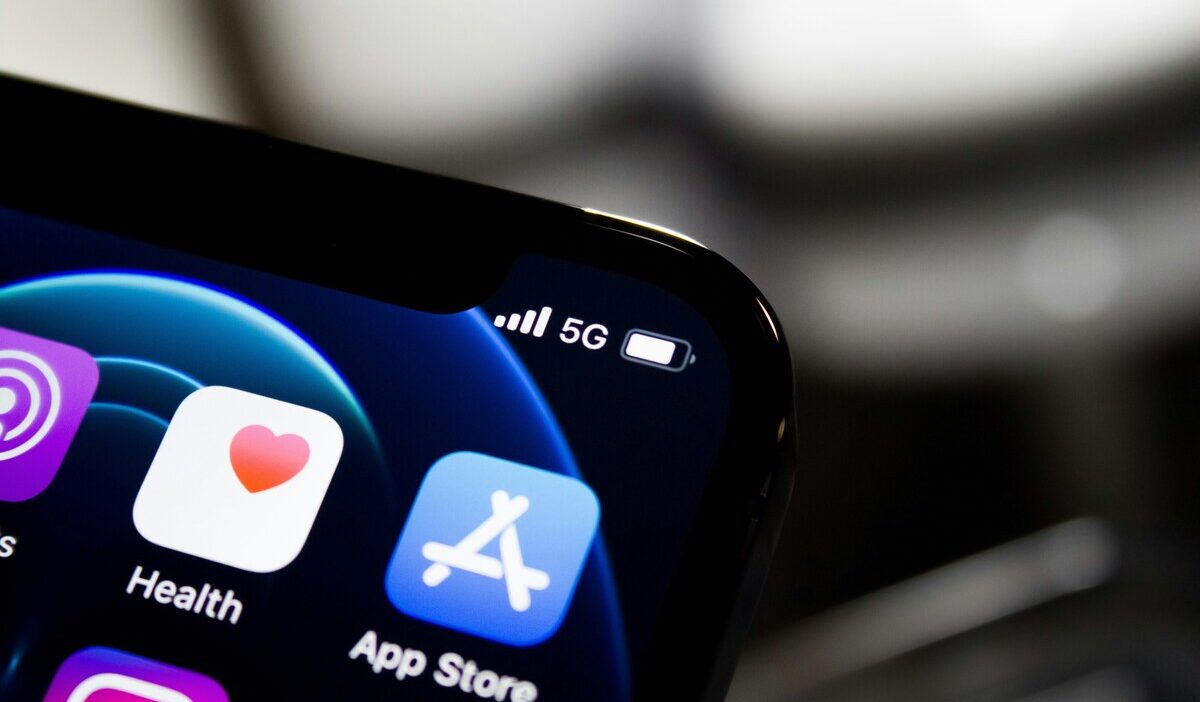
5G UC means 5G Ultra Capacity. It tells you your phone is connected to a faster version of the 5G network.
This network uses mid-band or high-band frequencies. It can handle more data and deliver quicker speeds than standard 5G.
This guide explains what the 5G UC icon means, how fast it is, which phones support it, and what to do if it feels slow.
1. What Does 5G UC Mean on Your Phone
5G UC meaning is “5G Ultra Capacity.” What is 5g uc? It is T-Mobile’s name for the mid-band and/or mmWave portion of its 5G network.
When the 5G UC icon appears, it means that Ultra Capacity coverage is available and your compatible phone can connect to it. Compared with T-Mobile’s low-band Extended Range 5G, 5G UC generally offers greater network capacity and the potential for faster speeds.
T-Mobile currently uses several bands for 5G UC, including 1900 MHz and 2.5 GHz mid-band spectrum and selected 24, 28, and 39 GHz mmWave bands. Its plain 5G icon generally represents Extended Range 5G, which is built primarily on low-band 600 MHz spectrum.
The icon does not guarantee a minimum download speed, lower latency, or a stronger signal. Phones may dynamically route traffic between different network layers depending on coverage, congestion, and network conditions.
5G UC is primarily T-Mobile’s branding. Other carriers use labels such as 5G UW or 5G+ for their own higher-capacity 5G networks.
2. How Fast Is 5G UC
5G UC does not have one guaranteed speed range. It is generally designed to provide more capacity and faster performance than T-Mobile’s low-band Extended Range 5G, but actual results vary significantly.
Your speed can depend on:
- Distance from the cell site
- Signal quality and building materials
- Network congestion
- The bands supported by your phone
- Carrier aggregation and network configuration
- Data-priority and video-management policies
- The server or app you are using
Here is how 5G UC compares to other network types:
| Network Type | General Description | Typical Speed |
| 4G LTE | Previous-generation cellular network | 10 to 50 Mbps |
| 5G | Extended Range low-band network | 50 to 200 Mbps |
| 5G UC | Mid-band and/or mmWave network | Greater capacity and faster potential, but no guaranteed speed |
T-Mobile says 5G UC can provide speeds comparable to Wi-Fi and sometimes faster. However, seeing the icon does not guarantee that every download will be faster than LTE or regular 5G.
Speeds above 3 Gbps have been demonstrated under specific carrier-aggregation conditions, but they should not be presented as a normal consumer expectation.
>>> Read more: What Is Data Roaming? Facts Travelers Should Know
3. Which Phones Support 5G UC
A phone needs more than general 5G support to work fully with 5G UC. It must support T-Mobile’s relevant network bands, carrier configuration, and software.
T-Mobile states that every 5G phone it currently sells can access both Extended Range 5G and Ultra Capacity 5G. For an older, unlocked, or internationally purchased phone, check the exact model specifications or use the carrier’s compatibility checker before assuming it supports 5G UC.
iPhone 12 models and later support 5G with compatible carriers. However, support for higher-frequency bands can vary by model and purchase region.
Android compatibility also varies by exact model. A Galaxy, Pixel, or other Android phone may support some T-Mobile 5G bands without supporting every mid-band or mmWave band used by 5G UC.
Seeing a 5G option in Settings confirms that the phone supports some form of 5G, but it does not prove that the device supports every 5G UC frequency or will display the UC icon.
On iPhone, go to Settings > Cellular > Cellular Data Options > Voice & Data to check whether 5G is enabled.
On Android, look for Preferred network type or Network mode. The path differs by manufacturer and software version.
T-Mobile currently includes 5G UC network access with its phone plans. However, data priority, video quality, hotspot use, and other plan features may still affect the experience.
>>> Read more: Why Is My Phone So Slow? Easy Fixes.
4. What to Do When 5G UC Feels Slow
5G UC can feel slow due to a weak signal, network congestion, or indoor interference. High-band frequencies struggle to pass through walls and buildings.
If your 5G UC connection feels sluggish, try moving closer to a window, toggling airplane mode on and off, or switching your phone to 4G LTE for a more stable connection.
Here are the most common issues and how to fix them:
| Common Issue | What It Means | Quick Fix |
| 5G UC appears but speed is slow | Congestion, weak signal, network routing, or a slow server | Toggle Airplane Mode, test another app or location, and try again later |
| 5G UC changes to 5G or LTE | The phone moved outside UC coverage or selected a more reliable network layer | Usually normal; let the phone choose the available network |
| 5G UC never appears | No UC coverage, incompatible bands, outdated carrier settings, or 5G disabled | Check the coverage map, phone compatibility, software, and network mode |
| Service is slow indoors | Walls and building materials weaken cellular signals; mmWave is especially sensitive | Move near a window, use Wi-Fi, or test another location |
| Battery use increases | Weak or unstable 5G, forced 5G operation, or heavy data use may consume more power | On iPhone, use 5G Auto; on Android, use the available adaptive network setting |
>>> Read more: What Is the Unplugged Phone? Price, Features, and Reviews
5. Frequently Asked Questions
Q1. Is 5G UC good or bad?
5G UC is generally a positive upgrade. It gives you faster download speeds and lower lag. It works well for streaming, gaming, and video calls. The main drawback is that coverage is limited to certain areas. High-band 5G UC also has trouble passing through walls. For most everyday use, 5G UC improves your phone experience when available.
Q2. What does UC mean next to 5G?
UC means Ultra Capacity. The icon indicates that T-Mobile’s mid-band or mmWave 5G network is available. It does not necessarily mean the signal is stronger or guarantee a specific speed.
Q3. Does 5G UC drain battery faster?
It can in some conditions, especially with weak coverage or when the phone is forced to remain on 5G. On iPhone, 5G Auto can switch to LTE when 5G offers no noticeable benefit, helping conserve battery.
Final Words
5G UC means your phone is connected to a faster, higher-capacity 5G network. It uses mid-band or high-band frequencies to deliver quicker downloads and lower lag. Not all phones or plans support it, and coverage varies by location.
If you see the 5G UC icon, you can expect a stronger connection for streaming, gaming, and everyday browsing. Check your device settings to confirm your phone can connect to this network. Try toggling your settings today to see the difference.